How to Reduce Input Delay in 3839 Cloud Gaming
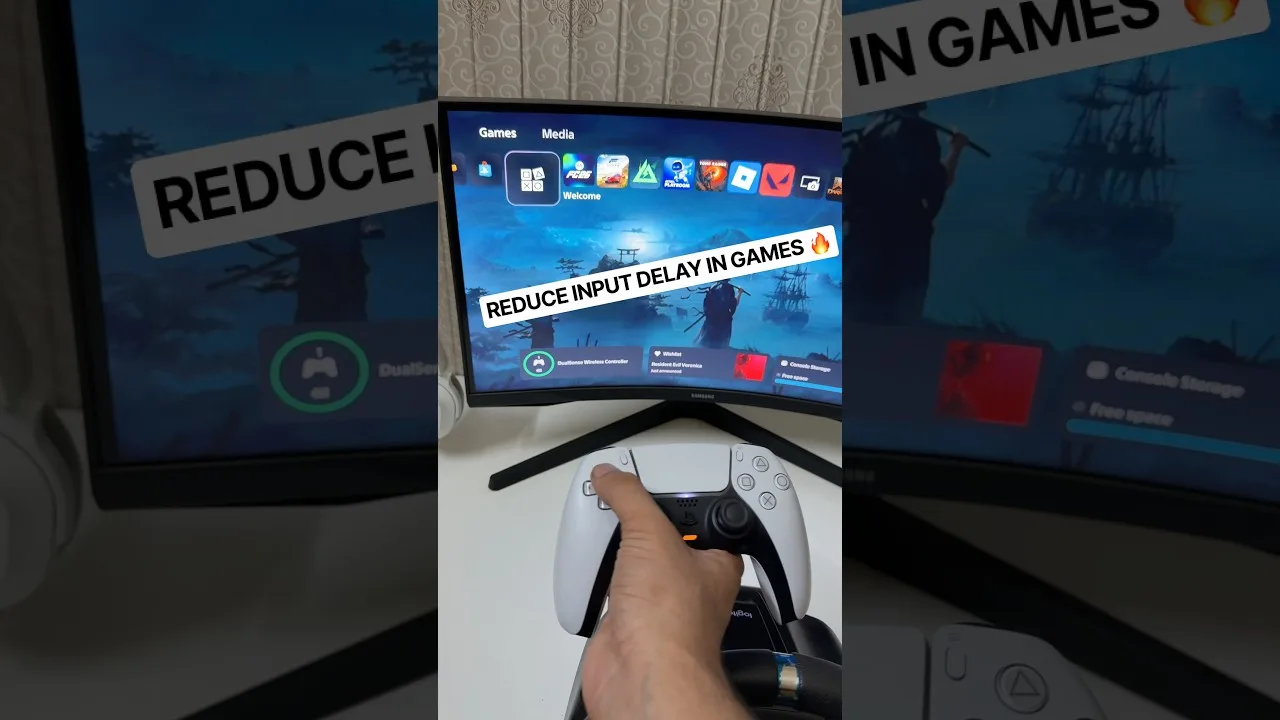
Input delay is the gap between pressing a button and seeing the result, and in cloud gaming it is a chain of small delays added together: controller, phone, network, server, and screen. No single fix removes it, but shaving a few milliseconds at several links of the chain makes 3839 Cloud Gaming game streaming feel dramatically sharper.
This guide works along the chain in order. It assumes your basic connection is already decent; if games also freeze and stutter, fix that first with the network guidance elsewhere in this library, then return here for the fine-tuning.
Work through the fixes cheapest first. Position and settings cost nothing and usually recover the largest share of the delay; cables cost a little; new hardware is the last resort, not the first. Each section names what its fix can realistically win, so you can stop the moment your games feel right instead of optimising forever.
The Controller Link
Bluetooth controllers add a small, variable delay. A wired USB connection is measurably faster and completely steady, which is why competitive players put up with the cable. If you stay wireless, keep the controller charged; low batteries on some models increase polling intervals and make input feel spongy.
The pairing and testing process in the 3839 Cloud Gaming controller setup guide includes a simple way to tell hardware delay from network delay: test the same game wired. If wired feels instant, your remaining delay is radio, not service.
The Display Link
On a television, picture processing is often the largest single delay in the whole chain. Game mode exists precisely to bypass it, and enabling it can be worth more than every other tip in this guide combined. On the phone itself, the highest available refresh rate keeps the newest frame on screen sooner.
Turn off any smoothing, noise reduction, or AI enhancement on the display you use. Those features hold frames back to process them, which is the opposite of what a streamed game needs.
The Network Link
Network delay is distance plus congestion. Play on 5 GHz Wi-Fi near the router, and avoid playing while the connection is loaded with uploads, which inflate latency far more than downloads do. A wired connection for TV-based play removes this link's worst behaviour entirely.
Server distance is chosen when the session starts, so beginning a session in your usual playing spot, rather than moving rooms afterwards, keeps you on the route the service selected. The broader latency picture is covered in the lag and latency fixes for 3839 Cloud Gaming.
In-App and Habit Changes
Lower stream quality reduces the time spent encoding and decoding each frame. The difference is small but real, and on a phone screen the picture cost is minor. Choose the setting that holds a stable frame rate, since a dropped frame reads to your hands as extra delay.
Finally, calibrate your expectations by genre. Turn-based and strategy games hide delay completely, racers tolerate it well, and fighting games expose every millisecond. Match your settings effort to the games you actually play instead of chasing a number.
Measure Your Own Chain
You can estimate your total delay without instruments: record your screen with another phone's slow-motion camera while tapping a button, and count frames between press and response. Most phone cameras at 240 frames per second make the arithmetic easy.
Measure again after each change you make. Players are often surprised which link was costing them most; in TV setups it is usually the display, and in sofa setups it is usually a congested 2.4 GHz band doing quiet damage.
Genre by Genre Priorities
Spend your effort where the genre rewards it. Fighting and rhythm games deserve the wired controller and the game-mode display. Shooters want network stability above all. Strategy, adventure, and turn-based games need none of this guide and play beautifully on default settings.
Keeping two profiles in mind — a lean setup for competitive titles and a comfortable one for everything else — stops optimisation from becoming a chore you perform before every session regardless of the game.
Accepting the Floor
Every chain has a floor set by physics: light-speed travel to the server and back, plus one frame of encode and one of decode. For a regional server that floor is small, but it is not zero, and recognising it stops the futile hunt for a setting that abolishes it. Professional players arrange their lives around that floor; casual players should simply know it exists.
The practical test is whether delay crosses your awareness during play. If you notice it only when you look for it, you are at the floor and done. Spend the remaining effort on the game itself, which was the point of removing the delay in the first place.
Input delay is engineering, not luck. Wire what you can, set the display to game mode, keep the network calm, and the chain gets short enough that most players stop noticing it entirely.
Revisit the chain when anything in it changes — new TV, new router, new controller. Delay creeps back through upgrades, and the same checklist removes it again.
Screenshot or note your final settings once the chain feels right. Android updates and new televisions have a habit of quietly resetting the very options this guide depends on, and a record turns the next fix into a checklist instead of an investigation.
Related articles
- How to Update 3839 Cloud Gaming to the Latest Version Learn how to update 3839 Cloud Gaming to the latest version on Android, check your current build, and fix the update problems users hit most often. Read article
- 3839 Cloud Gaming Lag and Latency Fixes That Actually Help Practical fixes for lag and latency in 3839 Cloud Gaming: connection checks, router settings, in-app options, and habits that keep streams responsive. Read article
- Best Internet Settings for 3839 Cloud Gaming Set up your home internet for 3839 Cloud Gaming: recommended speeds, Wi-Fi band and channel choices, router QoS, DNS, and wired options explained plainly. Read article